
WOODPECKER
Professional Dental Equipment & Technology
Woodpecker i-Sensor H1 / H1.5 / H2 Digital Intraoral X-Ray Sensor (Open Box)
Woodpecker i-Sensor H1 / H1.5 / H2 Digital Intraoral X-Ray Sensor (Open Box)
Supplied by: Dental Solutions.
Couldn't load pickup availability
Canadian Supplier: WOODPECKER
Open Box Woodpecker i-Sensor H1 / H1.5 / H2 Digital Intraoral X-Ray Sensor
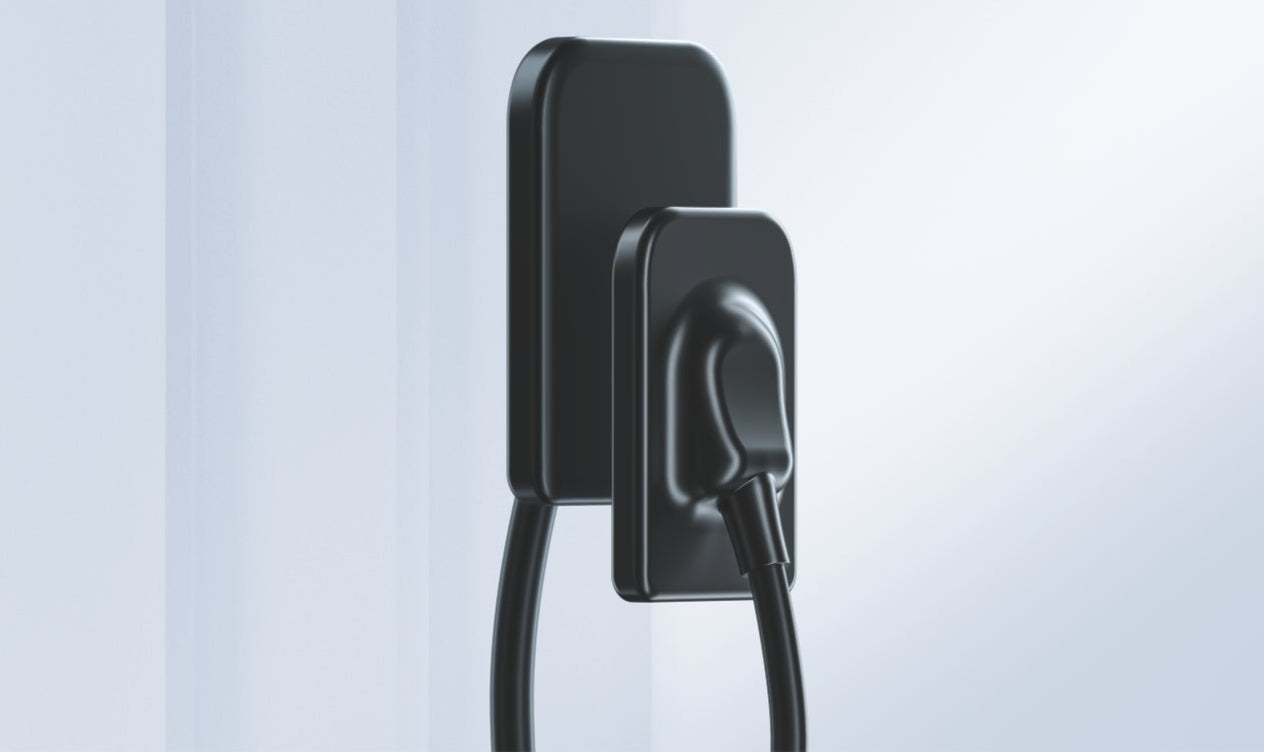
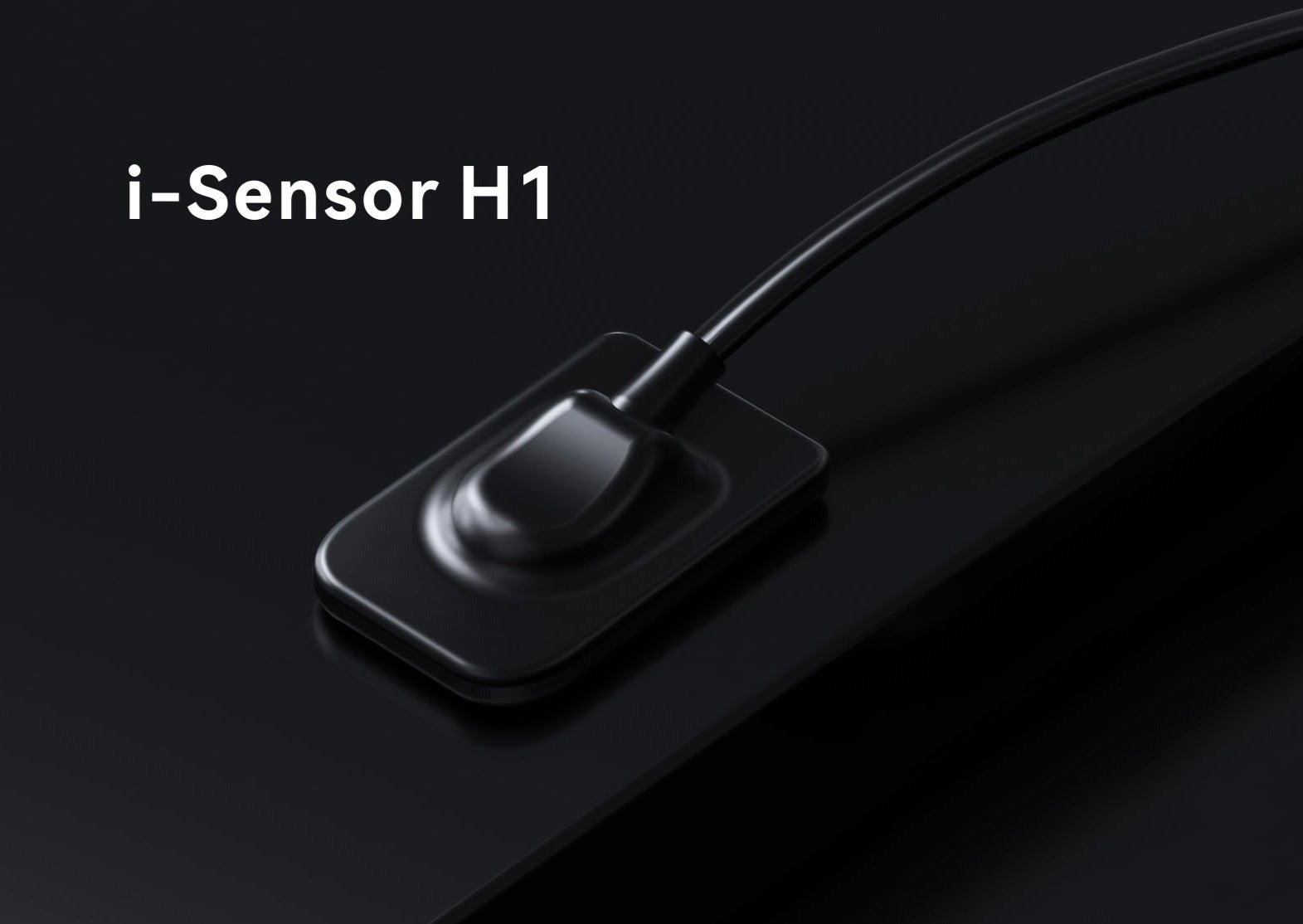
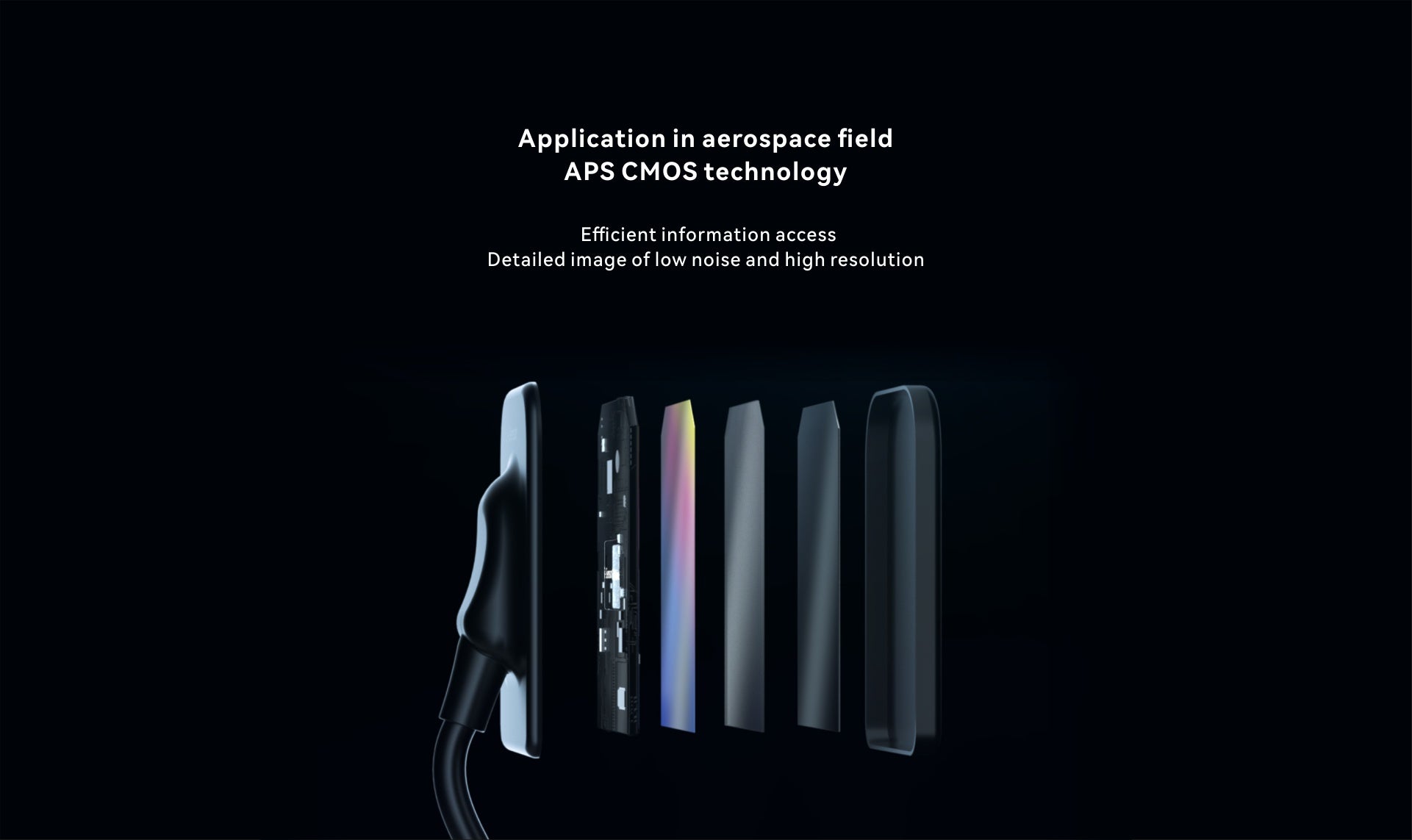
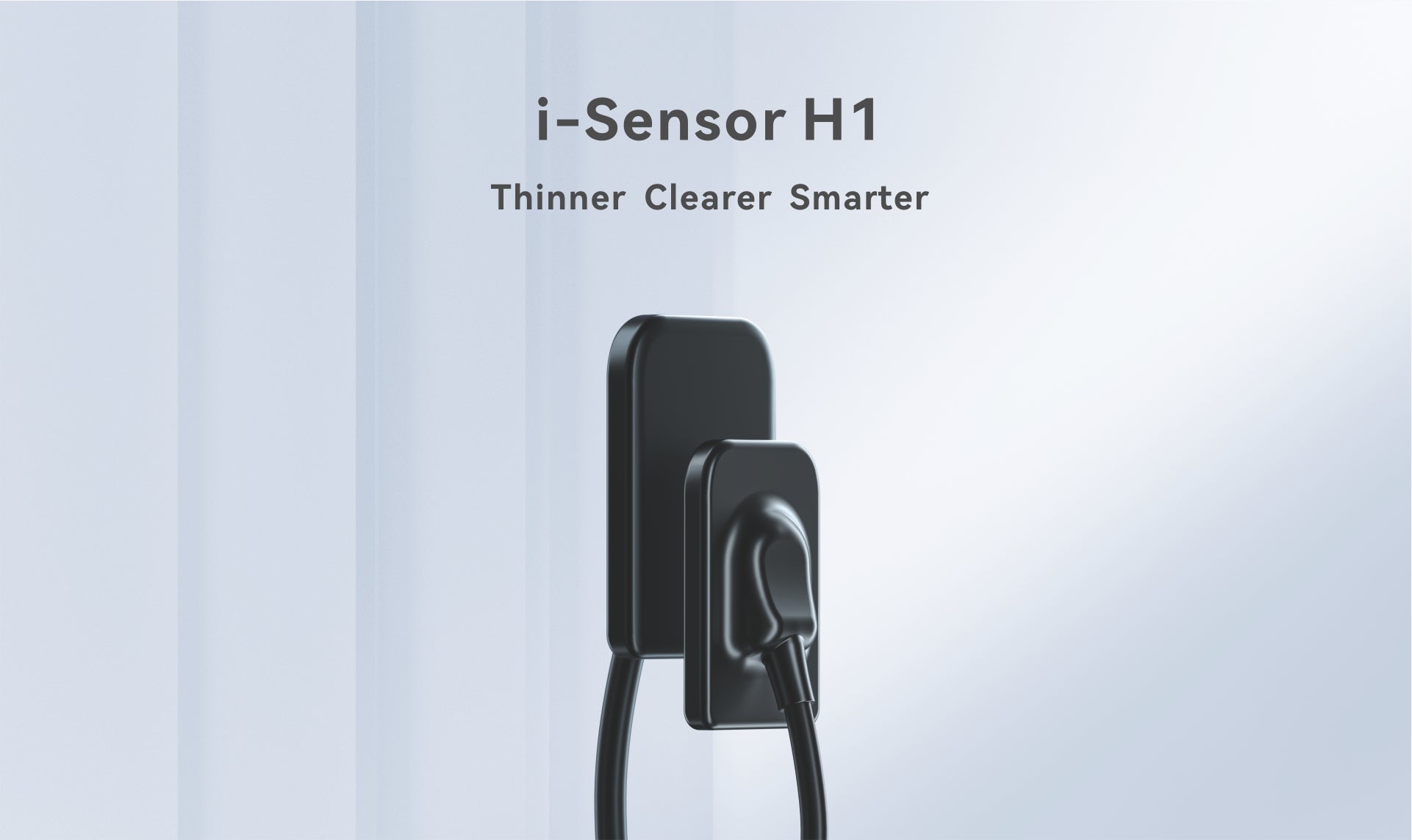
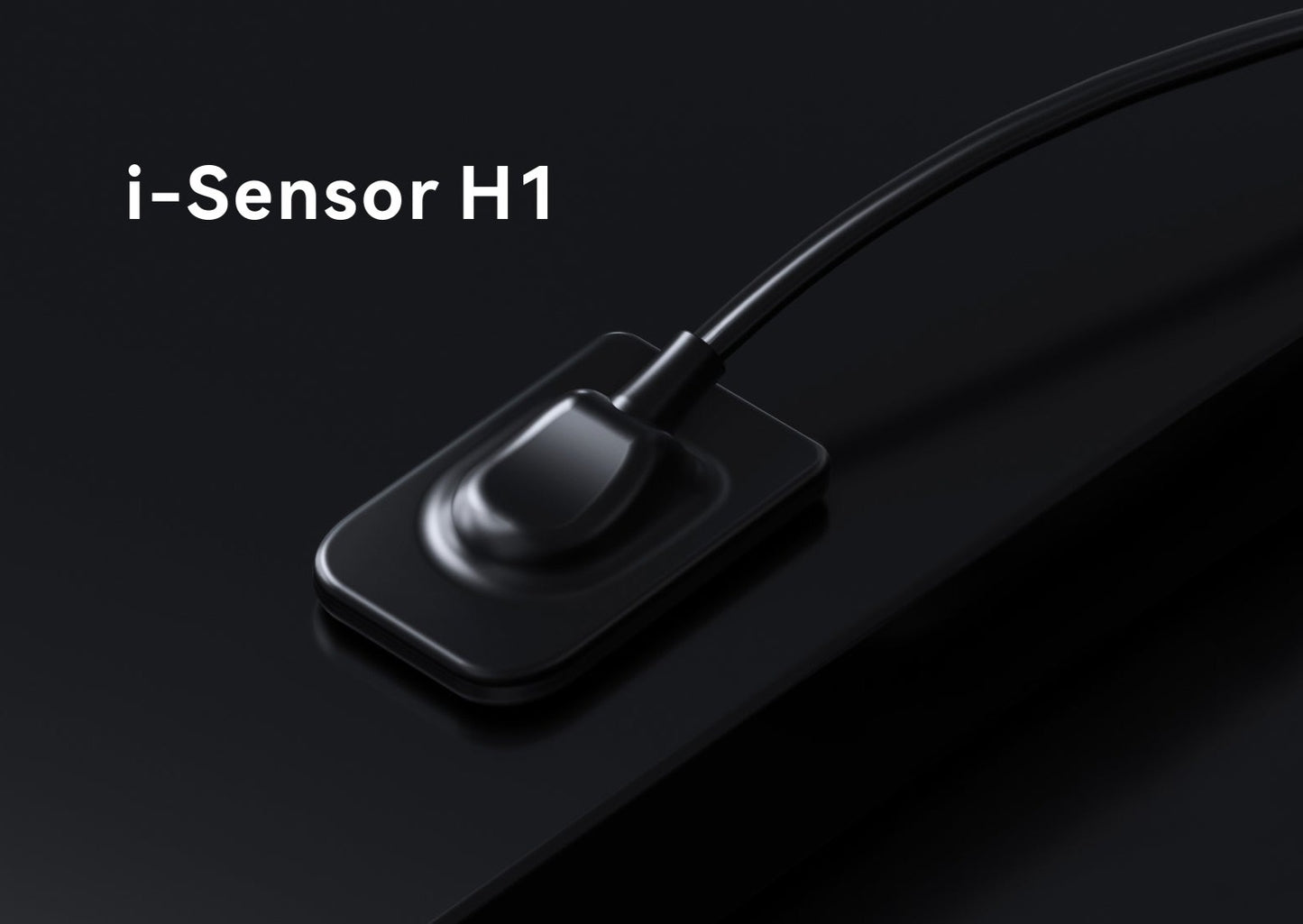
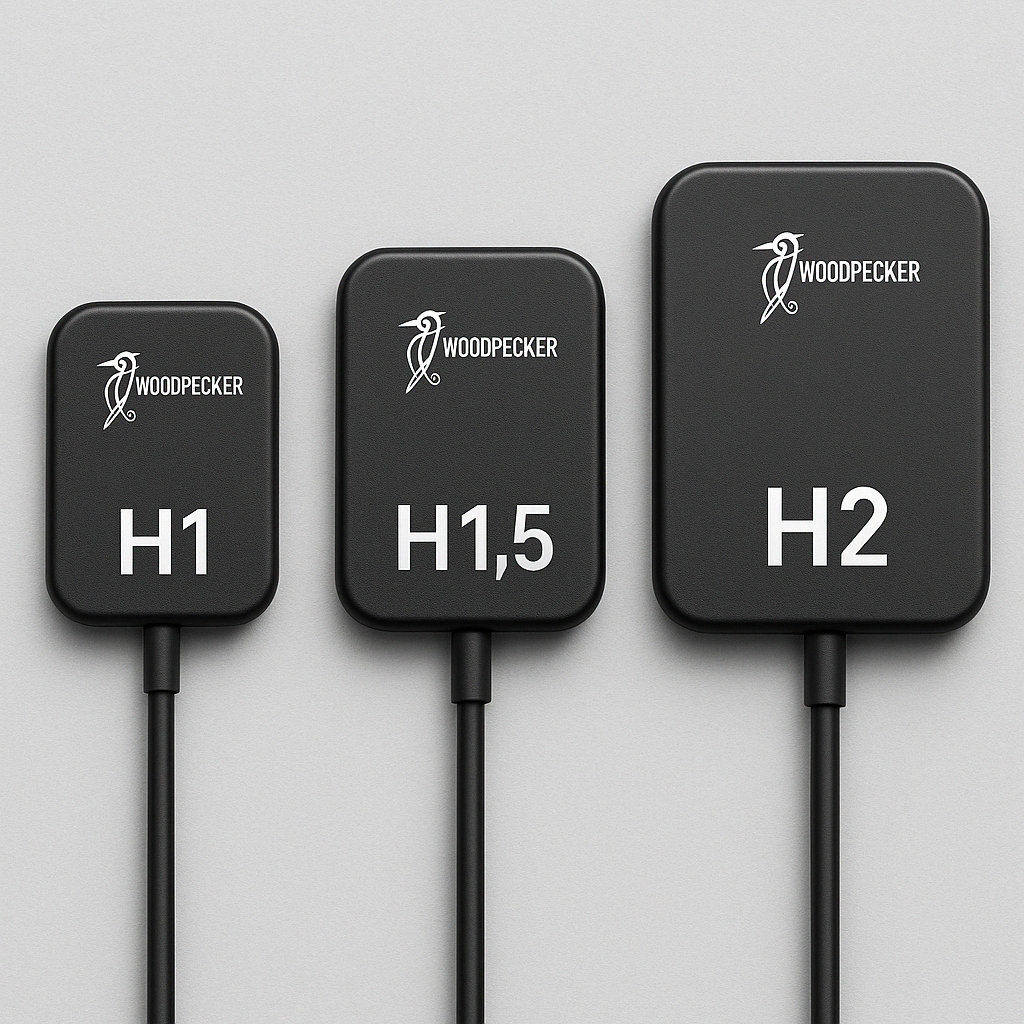
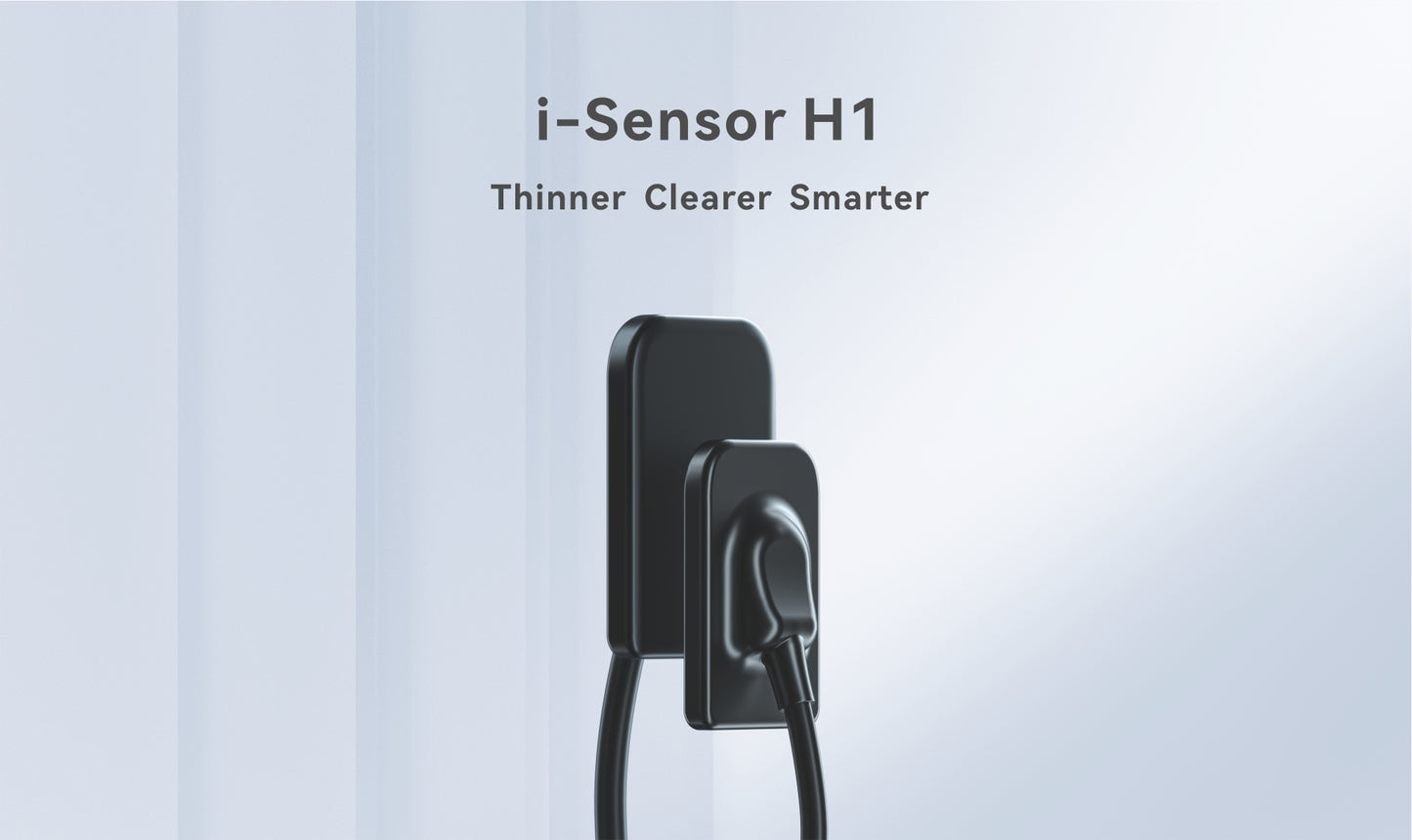
The Woodpecker i-Sensor is a digital intraoral X-ray sensor designed for efficient, high-quality dental imaging in modern dental practices. Available in three sizes — H1, H1.5 and H2 — it provides options for pediatric patients, smaller mouths and adult patients.
This is an open box product that has been inspected and is offered at a reduced price. The sensor is suitable for dental practices looking for a reliable digital intraoral imaging solution at a better value.
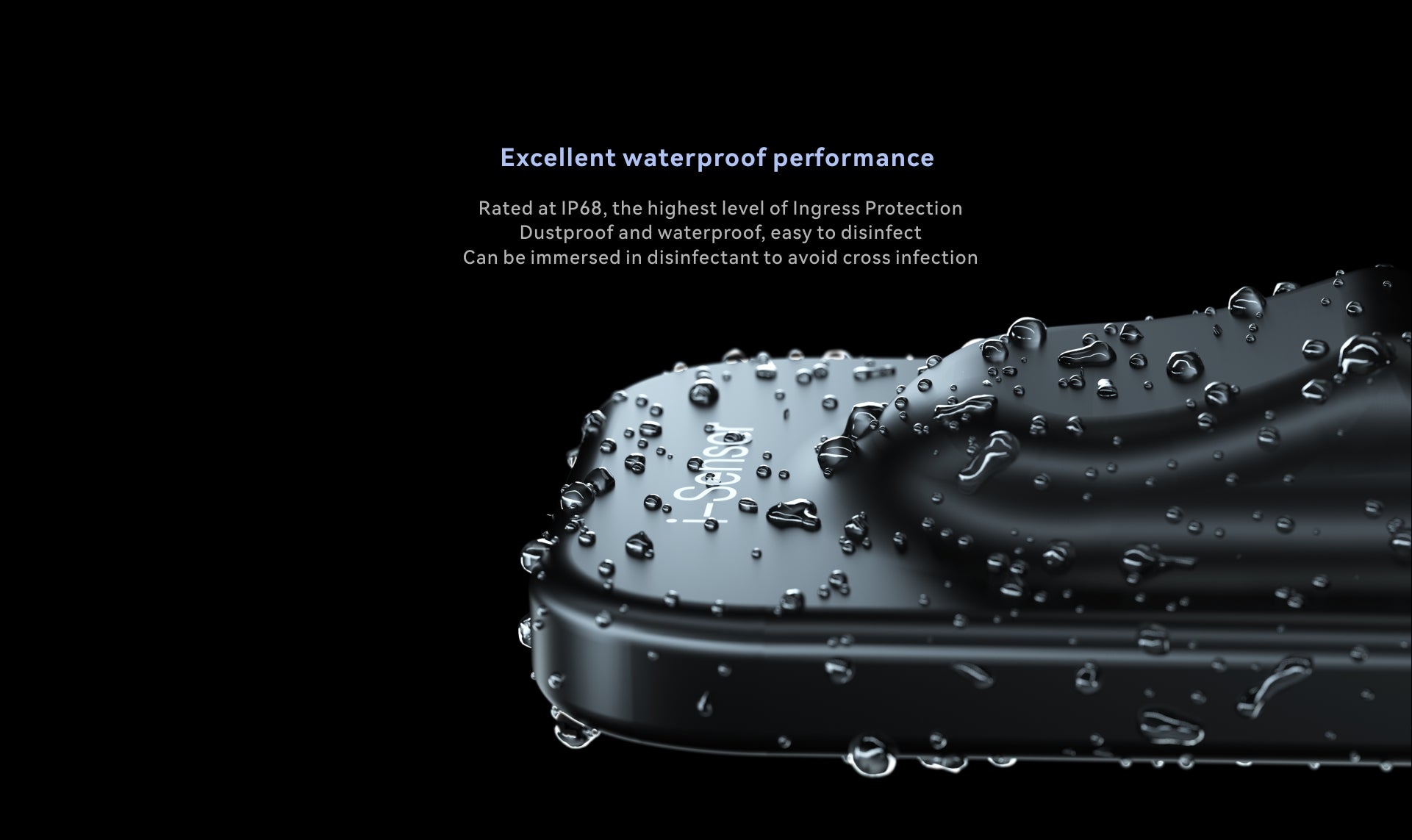
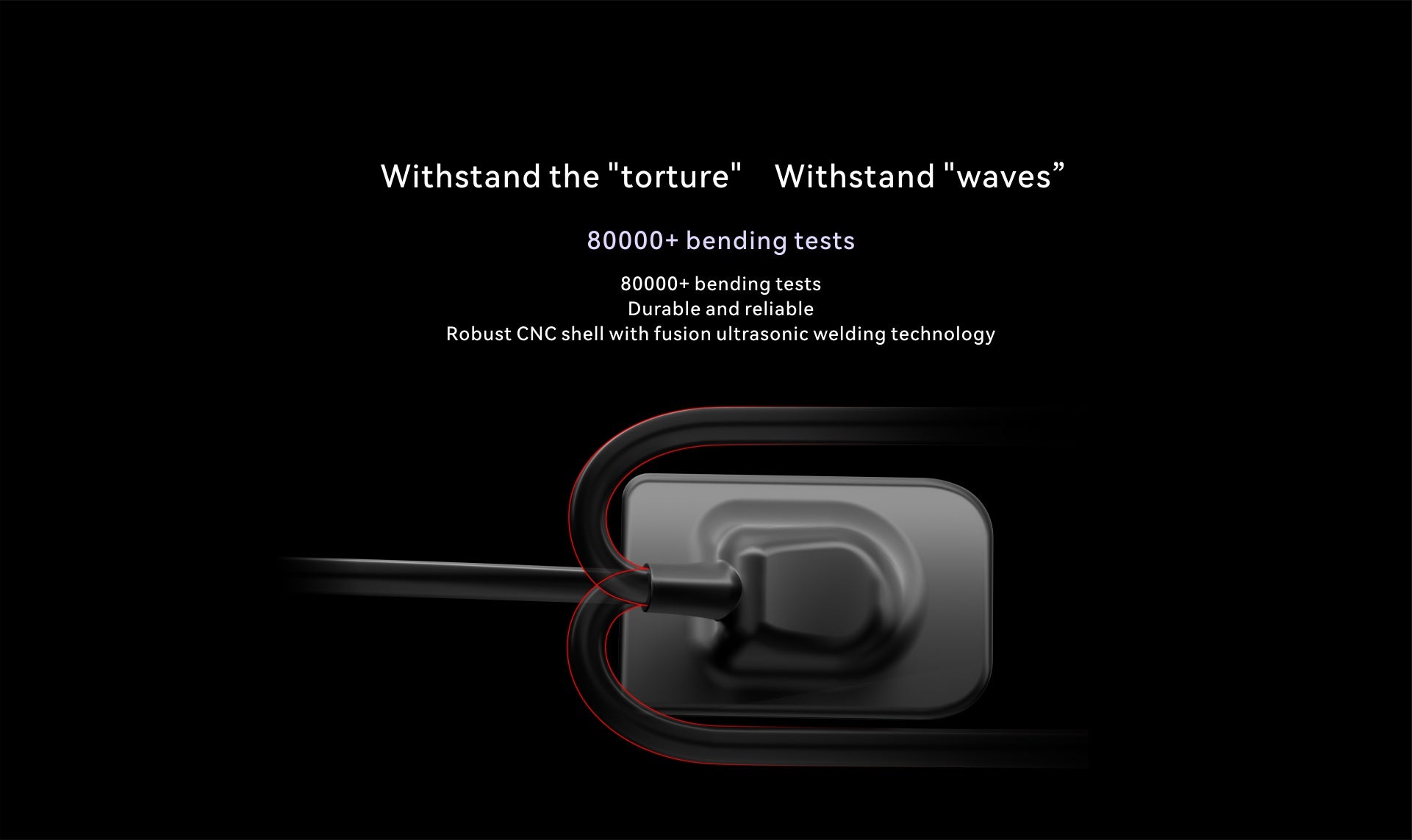
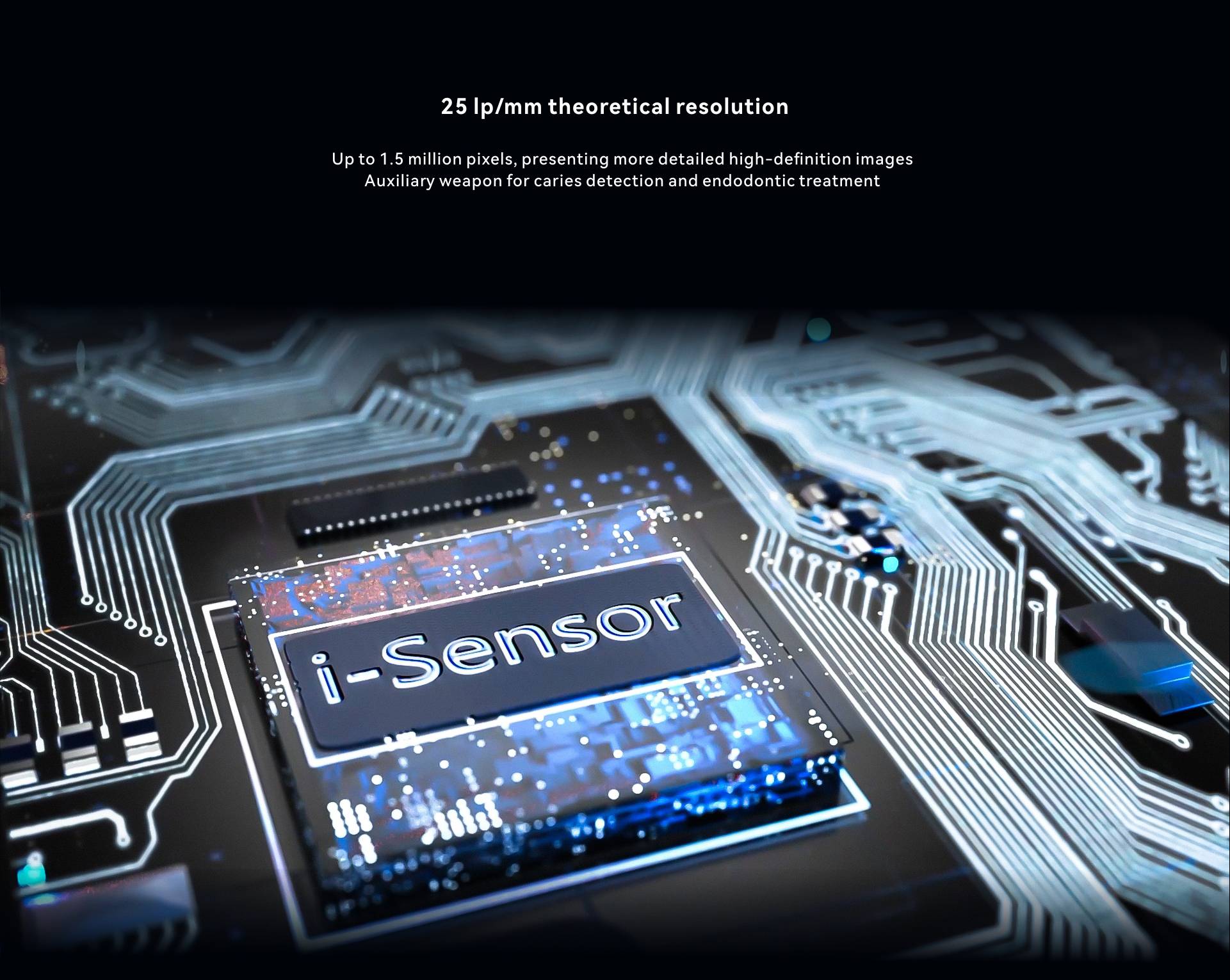
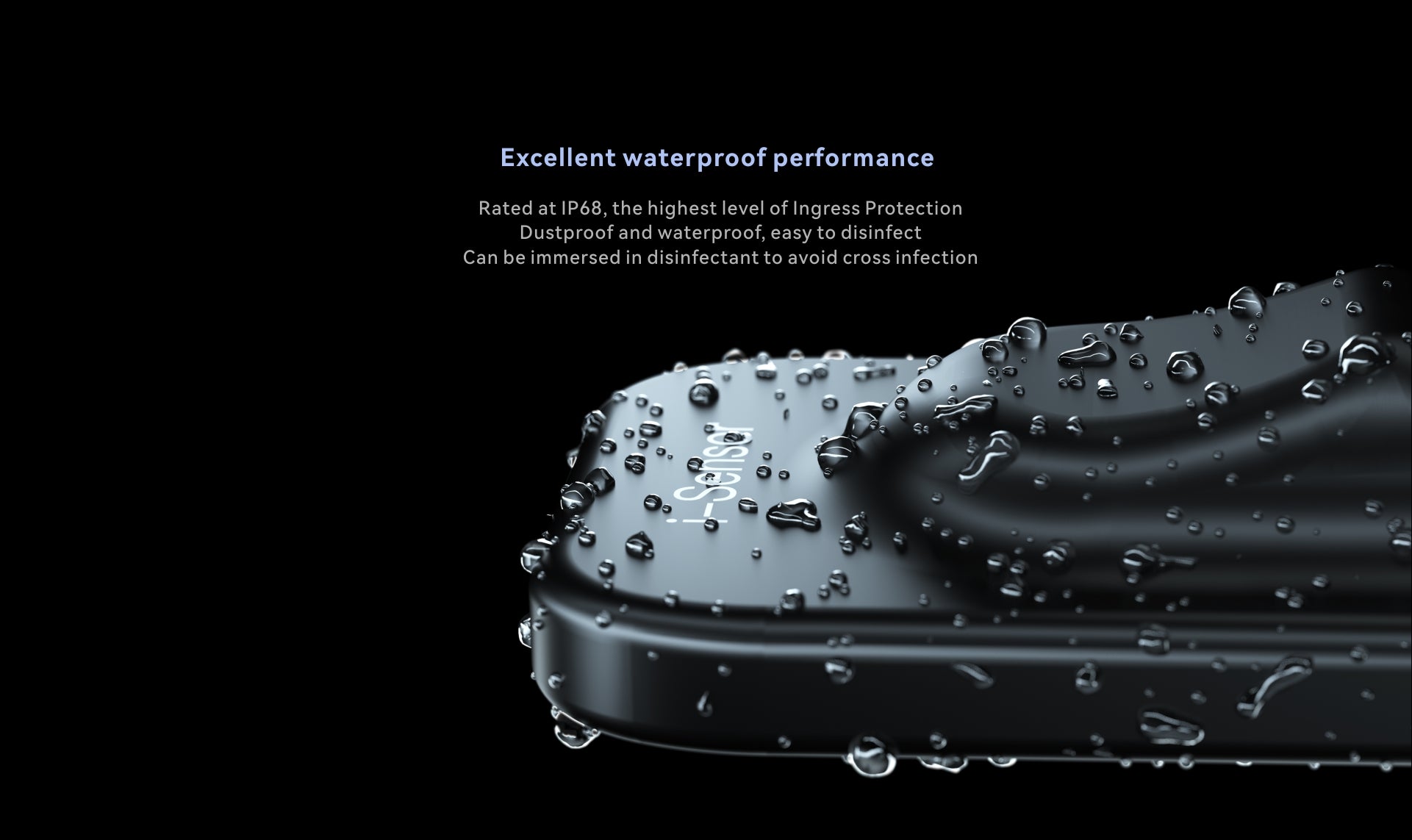
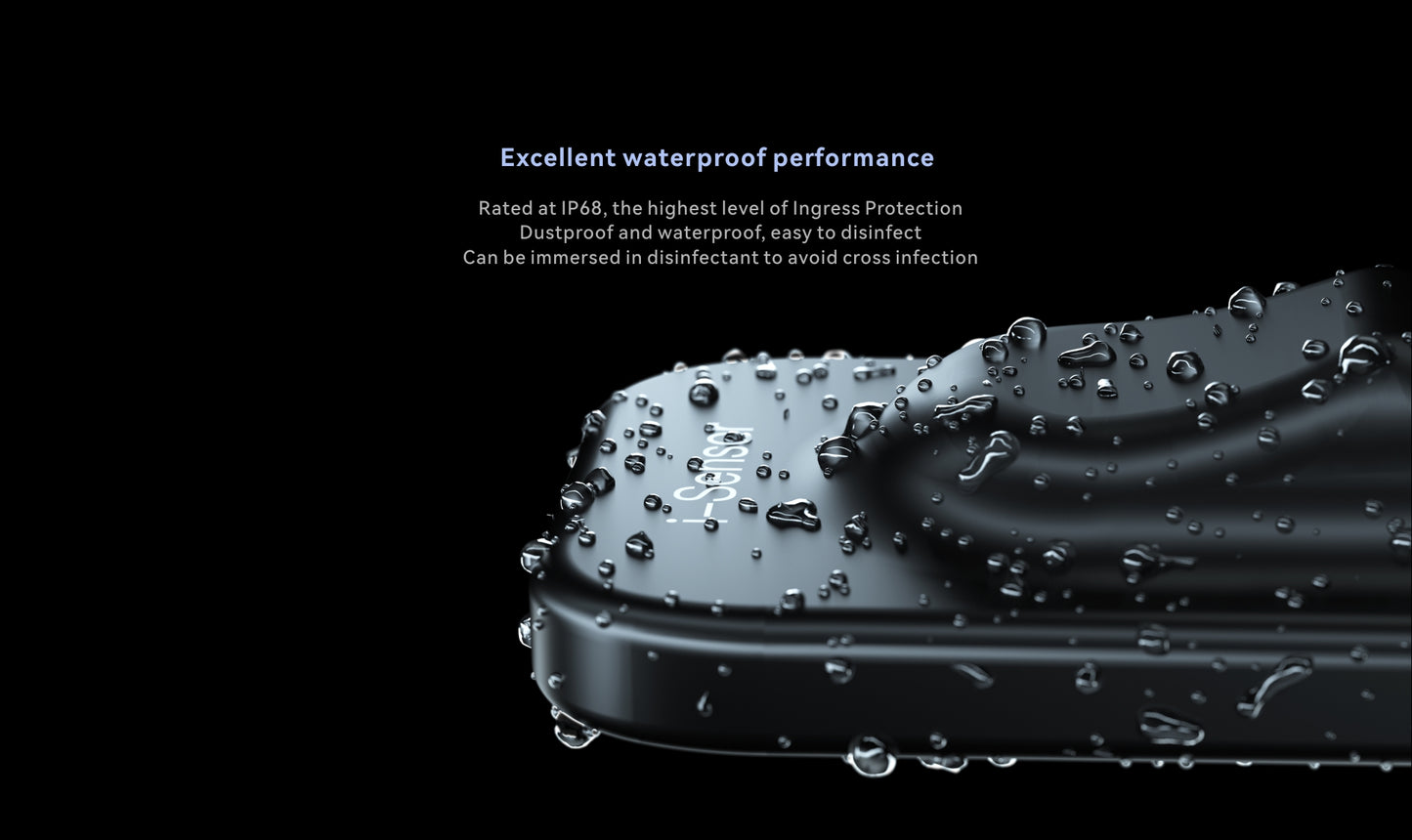
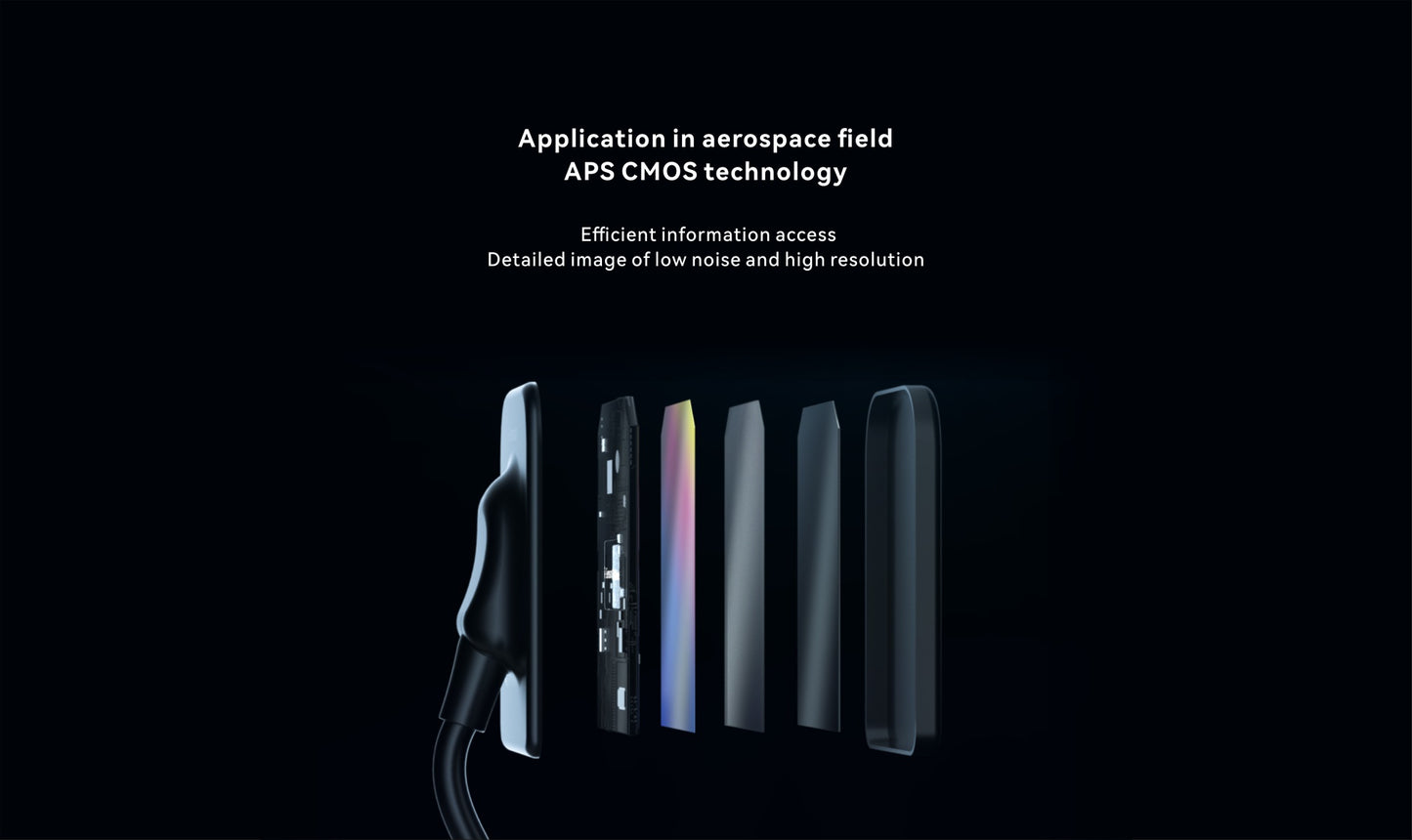
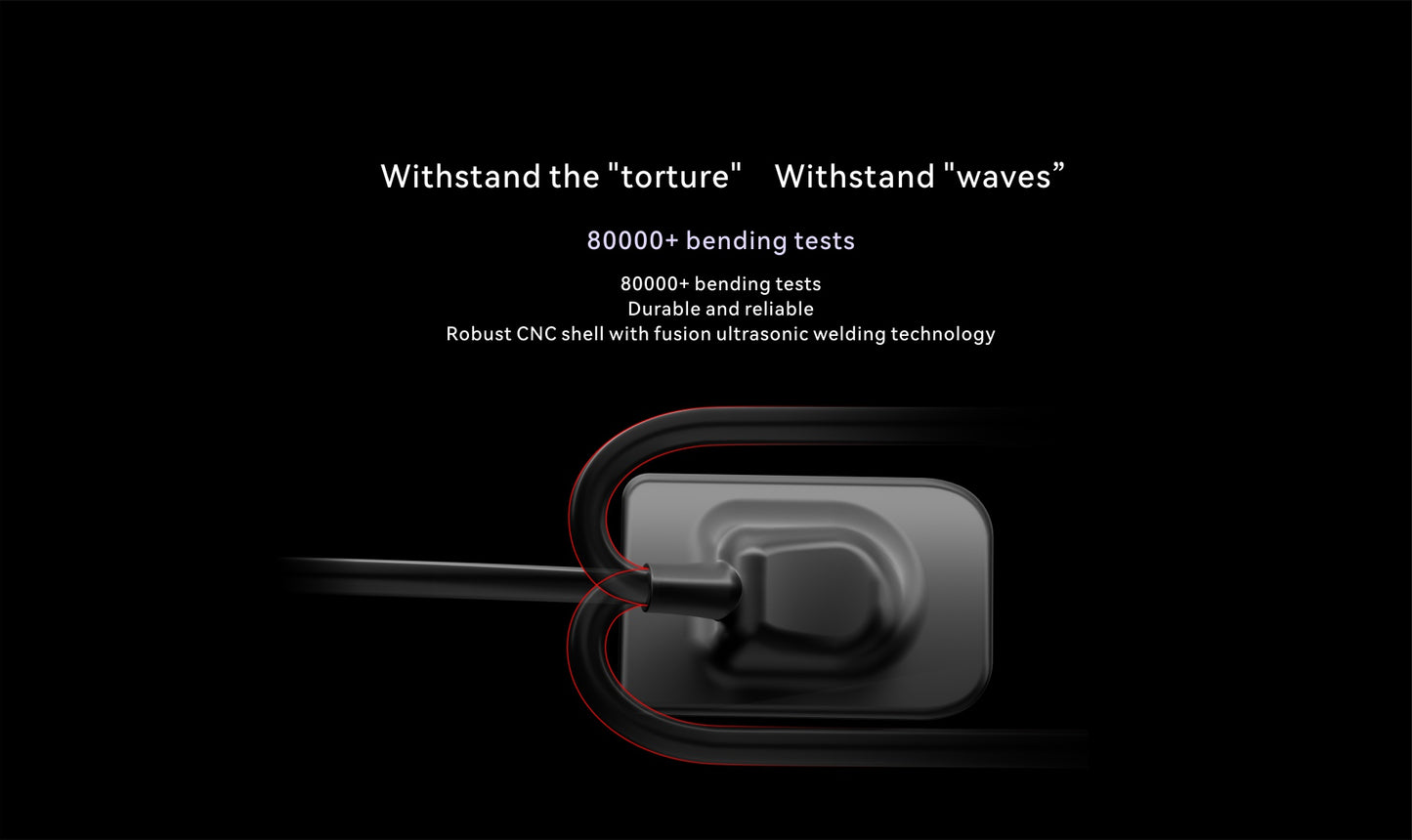
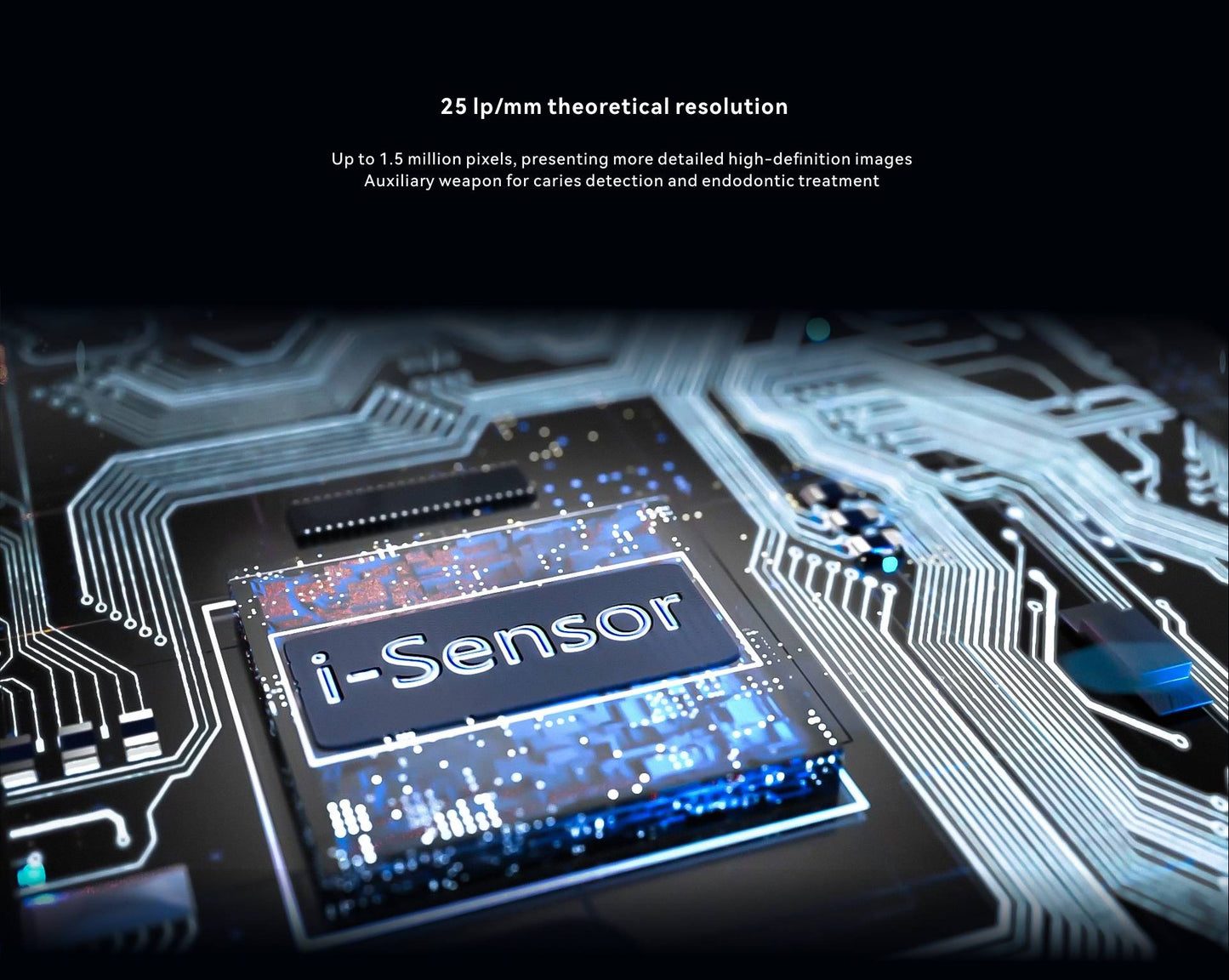
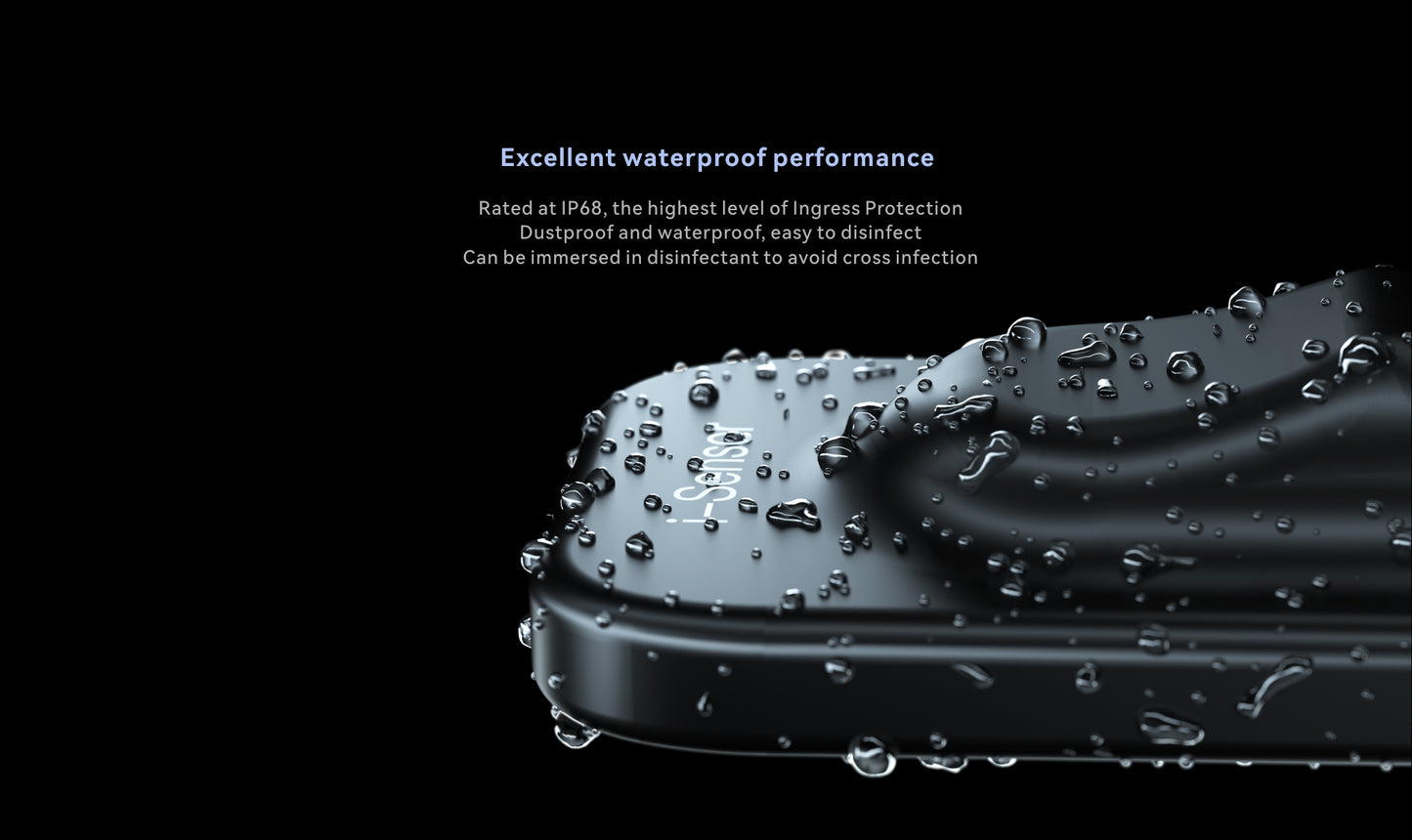
With a theoretical resolution of 25 lp/mm, IP68 protection and a durable cable designed for demanding clinical use, the i-Sensor is built for reliable everyday intraoral imaging.
Choose the Right i-Sensor Size
- H1 — Size 1: 20 × 30 mm effective imaging area, primarily suited for pediatric patients and smaller mouths.
- H1.5 — Size 1.5: 24 × 33 mm effective imaging area, a versatile option for older children and smaller adults.
- H2 — Size 2: 26 × 36 mm effective imaging area, designed primarily for adult patients.
The i-Sensor uses TWAIN-based integration for supported Windows dental imaging workflows. Software compatibility can depend on the imaging software, version and configuration, so we recommend confirming compatibility before ordering.
Not Sure About Compatibility?
We understand that compatibility with your existing dental imaging system is an important consideration when purchasing an intraoral X-ray sensor.
Before opening your sealed sensor, contact us if you are unsure about compatibility. We can help verify your imaging system, and a demo device may be available for compatibility testing when needed. Woodpecker also provides live technical support for installation, driver setup, and software configuration.
Warranty
This open box Woodpecker i-Sensor is covered by a 1-year warranty from manufacturer.
Need help choosing the right size? Contact Dental Solutions and our team can help you select the appropriate i-Sensor for your practice.
Product Catalog
For detailed product information, specifications and additional technical details, download the official Woodpecker i-Sensor product catalog:
Woodpecker i-Sensor Installation & Technical Support
Purchased your Woodpecker i-Sensor? Follow our step-by-step installation guide, watch software setup and operation tutorials, and find answers to common installation questions. If you need additional assistance, learn how to request remote technical support from Woodpecker.
📖 Self-Installation Guide
Prepare your Windows computer, install the imaging software, connect your i-Sensor, and learn how to use it with our written instructions and video tutorials.
🎧 Woodpecker Remote Support
If you cannot complete the installation yourself, Dental Solutions can help coordinate remote technical assistance from a Woodpecker support engineer.
Windows compatibility is required. Third-party clinic imaging software integration depends on compatibility with the existing system.
Woodpecker i-Sensor Video Tutorials
Explore the Woodpecker i-Sensor digital intraoral X-ray sensor through our product introduction, operation instructions, AI Dental tutorial, and software installation guide.
Woodpecker i-Sensor Introduction
Need help with your i-Sensor?
Contact Dental Solutions for product information, compatibility questions, or assistance connecting with Woodpecker technical support.
Why Choose Woodpecker i-Sensor?
-
High-Quality Digital Imaging
Capture clear digital intraoral X-ray images efficiently for diagnosis and treatment planning.
-
Fast Image Acquisition
Digital imaging helps streamline the radiography workflow and reduces the time needed to obtain images.
-
Multiple Sensor Sizes
Choose from H1, H1.5 and H2 sizes to suit different clinical imaging needs.
-
Designed for Dental Practice
A practical digital X-ray solution designed for routine intraoral imaging in dental clinics.
Woodpecker i-Sensor Video
See the Woodpecker i-Sensor digital intraoral X-ray sensor in action and learn more about the H1, H1.5 and H2 sensor sizes.
Choose the Right i-Sensor Size for Your Patients
-
H1 — Size 1 | Pediatric
20 × 30 mm effective imaging area
Designed primarily for pediatric patients and patients with smaller mouths. The compact sensor size can help facilitate intraoral positioning for pediatric imaging. -
Size 1.5 | Older Children & Smaller Adults
24 × 33 mm effective imaging area
A versatile intermediate size for older children and smaller adults, offering a balance between sensor size and imaging coverage. -
H2 — Size 2 | Adults
26 × 36 mm effective imaging area
The largest i-Sensor option, designed primarily for adult patients and providing the largest effective imaging area of the three sizes.
Woodpecker i-Sensor Technical Specifications
Compare the key technical specifications of the Woodpecker i-Sensor H1, H1.5 and H2 digital intraoral X-ray sensors.
| Specification | H1 — Size 1 | H1.5 — Size 1.5 | H2 — Size 2 |
|---|---|---|---|
| Effective Imaging Area | 20 × 30 mm | 24 × 33 mm | 26 × 36 mm |
| Pixel Matrix | 1000 × 1500 | 1200 × 1650 | 1300 × 1800 |
| Pixel Pitch | 20 μm | 20 μm | 20 μm |
| Scintillation Screen | CsI | CsI | CsI |
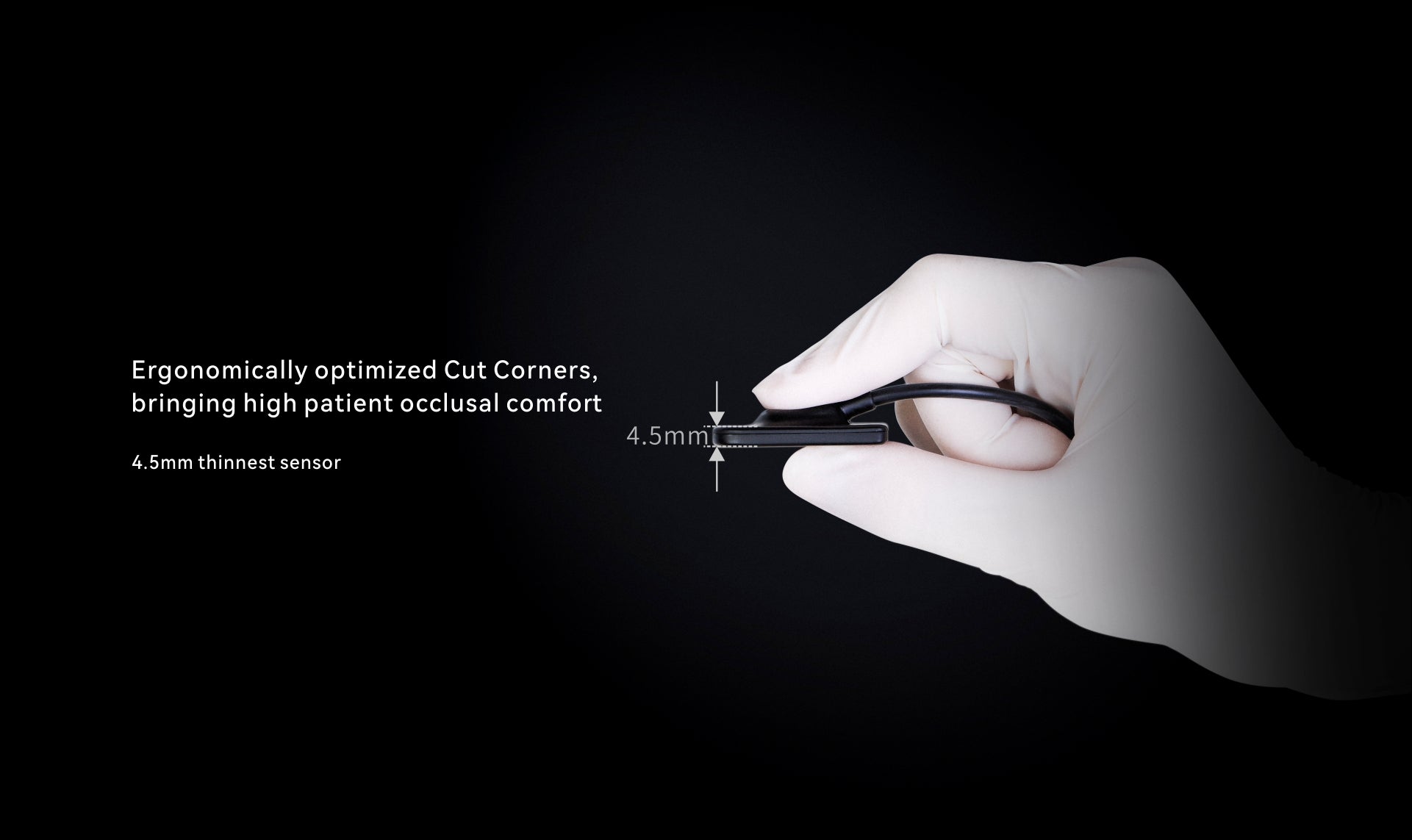
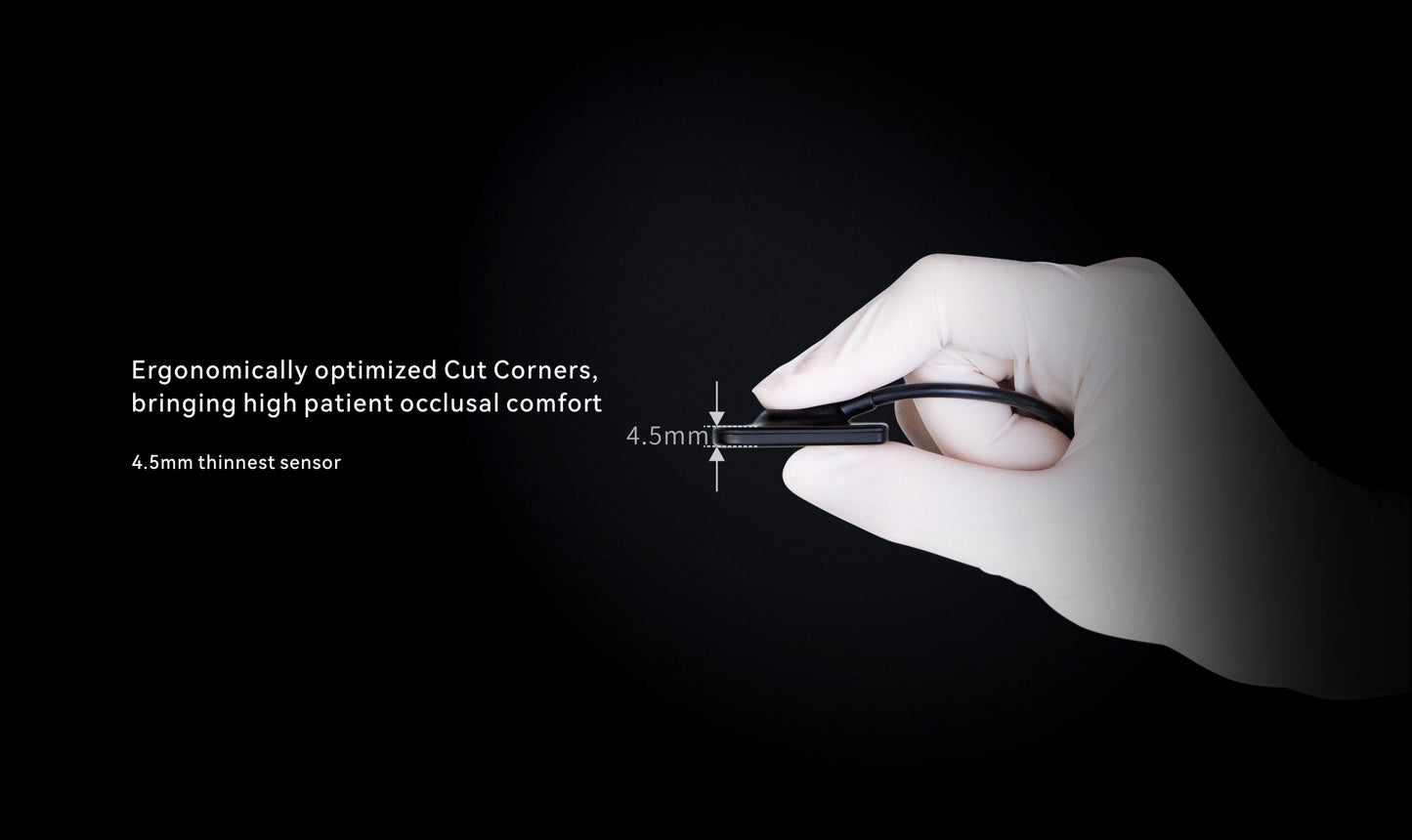
| Sensor Dimensions | 38.5 × 25 × 4.5 mm | 43.5 × 29.2 × 4.5 mm | 45.0 × 31.6 × 4.5 mm |
| Theoretical Spatial Resolution | 25 lp/mm | 25 lp/mm | 25 lp/mm |
| Real Spatial Resolution | ≥ 12 lp/mm | ≥ 12 lp/mm | ≥ 12 lp/mm |
| Water & Dust Protection | IP68 | IP68 | IP68 |
| Cable Length | 2.8 m | 2.8 m | 2.8 m |
| Interface | Direct USB 2.0 | Direct USB 2.0 | Direct USB 2.0 |
| Power | 2.5 W | 2.5 W | 2.5 W |
Specifications are based on current Woodpecker i-Sensor documentation and may be subject to manufacturer updates.
Software & System Compatibility
Woodpecker i-Sensor H1, H1.5 and H2 are designed for Windows-based dental imaging workflows. TWAIN-based integration allows the sensors to work with many commonly used dental imaging systems.
Windows Compatible
Designed for Windows-based dental imaging systems, including Windows 10 and Windows 11.
TWAIN Integration
TWAIN-based integration allows the i-Sensor to be used with compatible dental imaging software. Required sensor drivers and calibration files are used during installation and setup.
Ai-Dental Software
Woodpecker Ai-Dental software provides an imaging workflow for the i-Sensor and can be used for capturing and managing digital X-ray images.
Examples of Compatible Dental Imaging Software
Depending on the software version and configuration, Woodpecker i-Sensors may be integrated with commonly used dental imaging platforms, including:
- Open Dental
- Carestream
- DEXIS
- Dentrix
- EagleSoft
- Sopro Imaging
- Vatech EzDent
- Planmeca Romexis
- Sidexis
- Apteryx / XrayVision
- Other TWAIN-compatible imaging software
Buy With Confidence
Not sure whether the Woodpecker i-Sensor will work with your existing dental imaging system? If you are ready to purchase but want to confirm compatibility first, we can provide a demo i-Sensor for testing before your new sealed sensor is shipped.
Compatibility Demo Available
If you are ready to purchase a Woodpecker i-Sensor but are unsure about software compatibility, contact Dental Solutions before shipment of your new sensor.
We can send a demo i-Sensor first so you can test compatibility with your Windows computer and dental imaging software.
- Your new sealed sensor remains on hold while you test the demo.
- You verify installation, image capture, and software compatibility.
- Once compatibility is confirmed, we ship your new sealed i-Sensor.
- We provide instructions for returning the demo unit.
Live Installation Support
Dental Solutions and Woodpecker can provide technical assistance with installation, driver setup, and software configuration during compatibility testing.
This allows you to verify that the sensor works correctly with your intended imaging workflow before your new sealed device is released for shipment.
Because third-party imaging systems can vary by software version and configuration, compatibility should be confirmed before the new sensor is shipped.
What's Included with Your Woodpecker i-Sensor?
Each Woodpecker i-Sensor package includes the essential components needed for sensor installation, positioning, protection, and everyday intraoral digital X-ray imaging.
i-Sensor
Your selected Woodpecker i-Sensor size: H1, H1.5 or H2.
Protective Sleeves
Disposable protective bags designed to help protect the sensor during intraoral imaging procedures.
Sensor Holder & Fixer
Positioning accessories designed to help secure and correctly position the sensor during X-ray imaging.
Silicone Protective Sleeve
A reusable silicone protective accessory designed to help protect the sensor during clinical use.
USB Installation Drive
Includes the software and installation files required for setting up the i-Sensor on a compatible Windows computer.
Fixing Screws & Rubber Stoppers
Installation and positioning accessories supplied with the i-Sensor package.
Instruction Manual
User documentation covering installation, operation, safety, maintenance and other important product information.
Documentation
Product documentation including the qualified certificate and package contents documentation.
Frequently Asked Questions About Woodpecker i-Sensor
Find answers to common questions about i-Sensor sizes, compatibility, installation, operation, and everyday clinical use.
Which i-Sensor size should I choose? +
The H1 (Size 1) is primarily intended for pediatric patients and smaller mouths. The H1.5 (Size 1.5) provides an intermediate option for older children and smaller adults. The H2 (Size 2) is the largest option and is primarily intended for adult patients. Selection should be based on the patient's anatomy and the clinical imaging requirement.
What is the difference between H1, H1.5 and H2? +
The three sensors differ primarily in their physical and imaging area dimensions. H1 is the smallest, H1.5 is an intermediate size, and H2 is the largest. All three are designed for digital intraoral X-ray imaging.
Is the Woodpecker i-Sensor compatible with Windows? +
Yes. The i-Sensor is designed for Windows-based dental imaging workflows. Compatibility can depend on the Windows version, installed drivers, imaging software, and the configuration of the dental practice.
Can I use the i-Sensor with my existing dental imaging software? +
The i-Sensor supports TWAIN-based integration and may work with many commonly used dental imaging platforms. Compatibility can depend on the specific software version, Windows configuration, drivers, and imaging-system setup.
If you are ready to purchase but are unsure whether your existing system is compatible, contact Dental Solutions before your new sensor is shipped. When appropriate, we can provide a demo i-Sensor first so compatibility can be tested before your new sealed sensor is released for shipment.
Can I test compatibility before my new sensor is shipped? +
Yes. If you are ready to purchase a Woodpecker i-Sensor but are unsure whether it will work with your existing computer and dental imaging software, contact Dental Solutions before shipment of your new sensor.
When appropriate, we can send a demo i-Sensor first for compatibility testing. Your new sealed sensor will remain on hold while you test the demo with your Windows computer and imaging software.
Once compatibility is confirmed, Dental Solutions will ship your new sealed i-Sensor and provide instructions for returning the demo unit.
Does the i-Sensor require special imaging software? +
The i-Sensor requires the appropriate driver and acquisition software for installation and operation. It can also integrate with compatible TWAIN-supported dental imaging software.
How is the i-Sensor connected to the computer? +
The i-Sensor uses a direct USB connection to a compatible computer. The sensor is designed to integrate directly into a digital dental X-ray workflow without requiring a separate image scanner.
Does Woodpecker provide installation support? +
Yes. Woodpecker provides live technical support to assist with installation, driver setup, and software configuration. Dental Solutions can also assist in coordinating installation and compatibility testing.
If you are using a compatibility demo, technical support can help verify that the sensor works correctly with your intended imaging workflow before your new sealed sensor is shipped.
Is the Woodpecker i-Sensor waterproof? +
The i-Sensor is specified with an IP68 protection rating. Appropriate protective barriers and the manufacturer's recommended cleaning and disinfection procedures should still be followed for clinical use.
What pixel size and resolution does the i-Sensor provide? +
The i-Sensor uses a 20 μm pixel pitch and is specified with a theoretical spatial resolution of 25 lp/mm. The specifications apply across the H1, H1.5 and H2 sensor sizes.
How do I protect the sensor during clinical use? +
Use an appropriate disposable protective barrier during intraoral imaging and follow the manufacturer's instructions for cleaning, disinfection, handling, and storage. Do not use procedures that could damage the sensor, cable, connector, or housing.
What if I am not sure about compatibility? +
Contact Dental Solutions before your new sensor is shipped. We can review your computer, Windows version, dental imaging software, and intended setup.
If compatibility cannot be confidently confirmed in advance, a demo i-Sensor may be provided for compatibility testing. Your new sealed sensor remains on hold while the demo is tested.
If the demo works successfully with your system, you confirm compatibility and we ship your new sealed sensor. If it is not compatible, the demo is returned and the new sensor is not shipped.
Can I return the i-Sensor if it is not compatible with my system? +
If you are unsure about compatibility, we strongly recommend contacting Dental Solutions before your new sensor is shipped.
When appropriate, we can provide a demo i-Sensor for compatibility testing. Your new sealed sensor will remain on hold until compatibility is confirmed.
If the demo is not compatible with your system, the demo must be returned according to our Compatibility Demo Terms & Conditions, and your new sensor will not be shipped.
If a new sensor has already been shipped, unopened and unused products in their original manufacturer packaging may be eligible for return within 30 days of delivery, subject to our Return & Refund Policy.
If the sensor is confirmed to be defective, it is handled separately under our defective-product and warranty procedures.
Contact Dental Solutions before your new sensor is shipped. Our team can help you choose the appropriate i-Sensor size, review software compatibility, arrange compatibility demo testing when appropriate, and coordinate installation support.
- Choosing a selection results in a full page refresh.
- Opens in a new window.